

Approve a collection
Move a collection (or collection request) through its approval or settlement states — for example from newly recorded to approved, or from approved to settled.
Before you start
Section titled “Before you start”- Which status changes you can make depends on your role and on your workspace’s configured workflow — the available states, their names, and who can move between them all vary by workspace.
- You need the permission that lets you change a collection’s or request’s status; ask your administrator which role covers this if the option is not available to you.
-
Open the collection or collection request’s details.
-
Choose the status-change action and pick the target state.
-
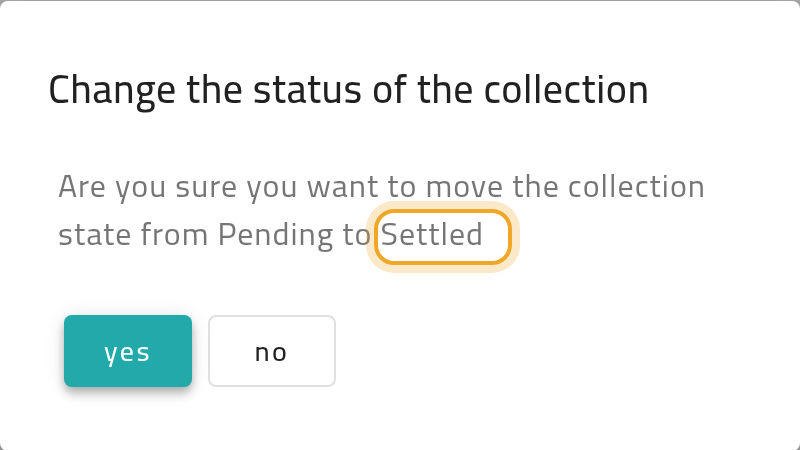
Confirm — you’ll see a prompt asking you to confirm moving it from its current state to the one you picked.
-
The collection (or request) now shows its new status. If your workspace uses receipt books, changing status can also update the book’s usage counts.
What can go wrong
Section titled “What can go wrong”The status change option is not available
Section titled “The status change option is not available”Your role may not be allowed to make this particular transition in your workspace’s configured workflow. Ask your administrator which role can approve or change status for collections.