

Void a paper receipt
When a rep mis-writes a handwritten paper receipt, void it in the system so its number is released and the rep can move on to the next one. The spoiled paper receipt itself is handed back to accounting for review.
Before you start
Section titled “Before you start”- The collection must not already be voided, and must not already be linked to accounting or to a vault — unlink it first if it is.
-
Open the collection’s details.
-
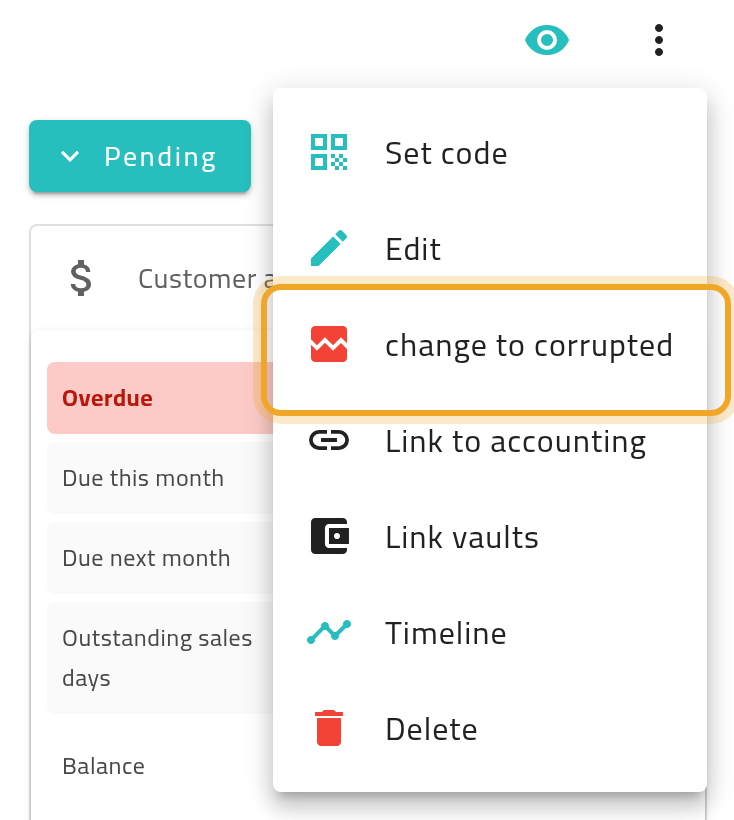
Choose change to corrupted from the actions menu (this is the menu item that starts the flow; the confirming button in the dialog is worded Mark as corrupted).
-
Enter notes on the reason in the dialog that appears.
-
Confirm. You’ll see a success message once it’s done.
You can also mark a collection as corrupted directly on the create form, instead of saving it as a real collection — see Record a collection.
What can go wrong
Section titled “What can go wrong”The option is missing or greyed out
Section titled “The option is missing or greyed out”A collection already linked to accounting or a vault cannot be voided — unlink it first. A collection that is already voided cannot be voided again.
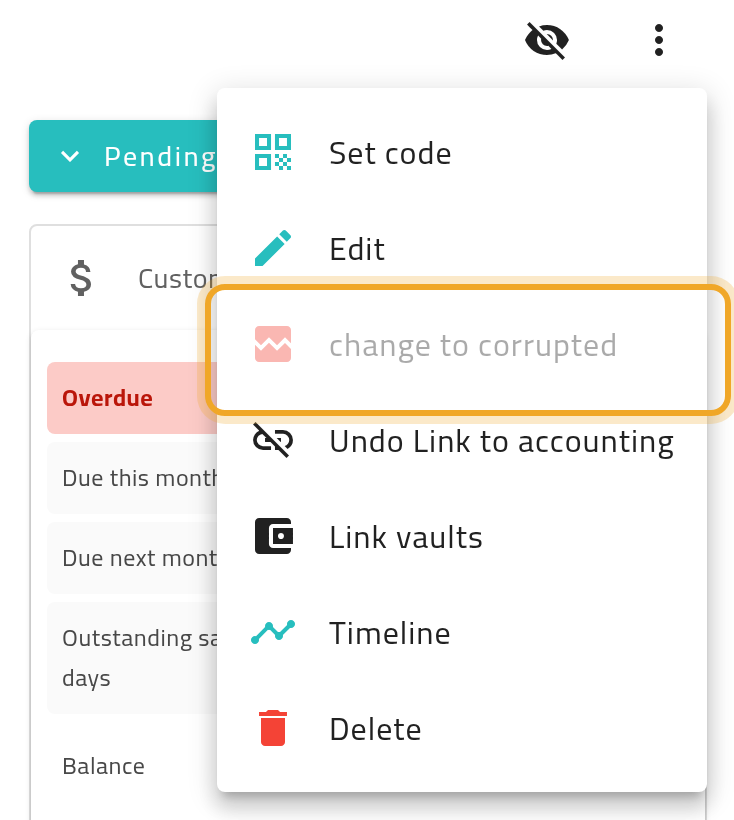
You need to void it after it’s already linked
Section titled “You need to void it after it’s already linked”Undo the accounting or vault link first (see Where collected money goes), then void it.