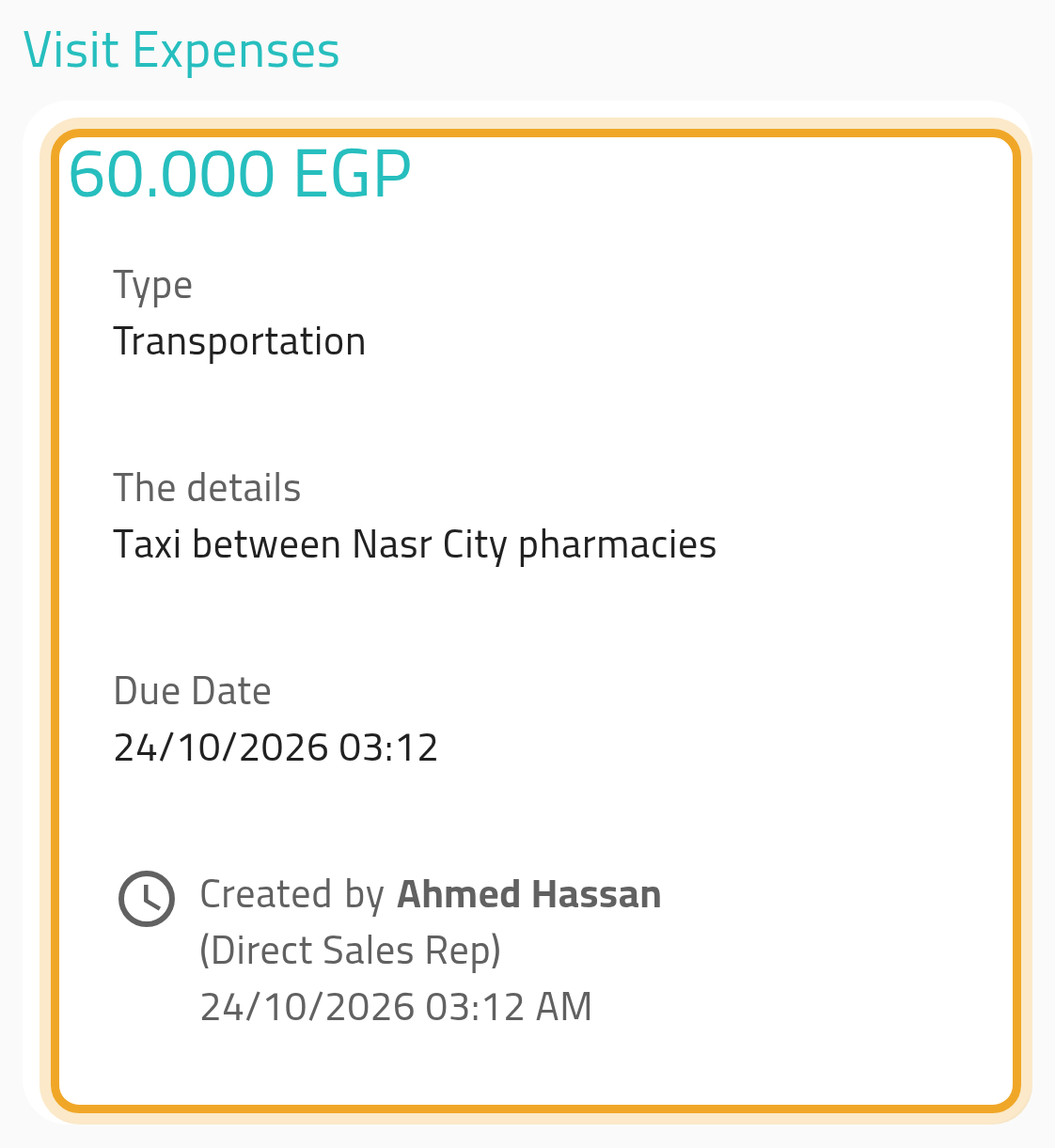

Record an expense during a visit
Log a spend against the visit you’re on, instead of filing it as a general expense afterward.
Before you start
Section titled “Before you start”- You need the expense permissions for creating an expense and reading expense types.
- Your workspace must have the Expenses feature enabled.
- You can record only one expense per visit.
- From the visit view, open Visit Expenses and choose Add an expense for the visit.
- Fill in the expense form as usual. The type list here includes both general expense types and any types set up as visit-only.
- Save. The expense is linked to this visit and appears tagged as visit-sourced wherever expenses are listed.
What can go wrong
Section titled “What can go wrong”There’s no button to add another expense
Section titled “There’s no button to add another expense”Only one expense is allowed per visit. Once the visit has its expense, the Visit Expenses section shows that expense instead of the add button. To record a different one, delete the existing expense first if you have the permission to do so, or ask someone who does.