

Visits that end themselves
If you forget to check out, or simply leave the customer’s location, your visit can end on its own instead of staying open indefinitely.
Before you start
Section titled “Before you start”- This only applies to Check-in/Check-out visits, and only on the mobile app — it has no web equivalent.
- Your workspace and the visit’s template must both have auto-end turned on.
This flow runs automatically once you have an open visit — there is nothing you need to start:
-
Once you check in, the app watches your distance from the customer’s location in the background.
-
If you leave that area, you get a notification warning your visit will be auto-ended by a certain time.
-
If you’re still there, choose I’m still here to push that deadline back. You can do this a limited number of times.
-
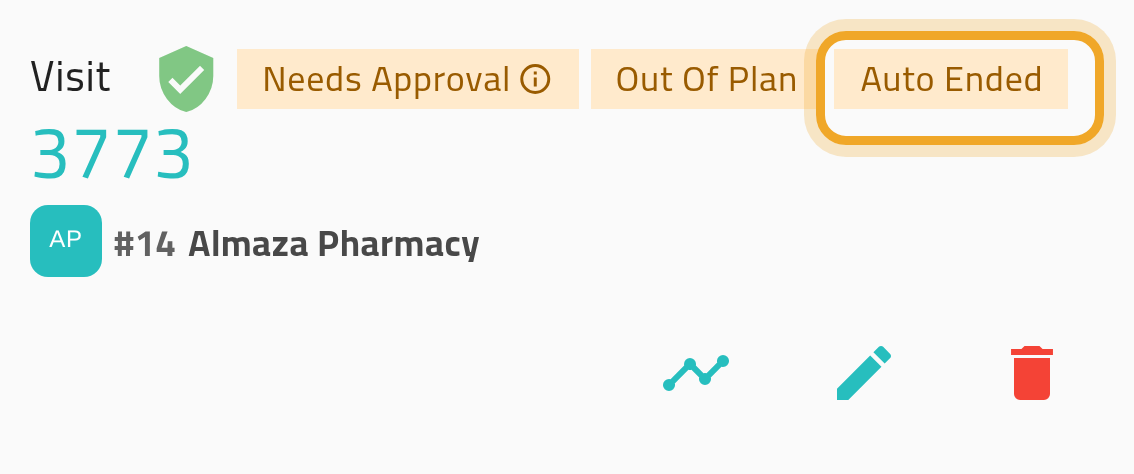
If the deadline passes, the app checks you out for you. The visit is marked unsuccessful and shows an Auto Ended badge.
What can go wrong
Section titled “What can go wrong”You are warned while you are still with the customer
Section titled “You are warned while you are still with the customer”Choose I’m still here to push the deadline back. There is a limit on how many times you can do this.
Your device is offline or dead when the grace period expires
Section titled “Your device is offline or dead when the grace period expires”Auto-end only works while the app can reach the network to submit the end. If your device can’t reach the network, the visit stays open until you check out yourself.