
Start a planned visit
Use this when a visit is already on your plan for today. Depending on the visit template, you either check in and check out separately, or record the whole visit in one step.
Before you start
Section titled “Before you start”- You need the
visits:visits/startOrEndpermission. - The visit must be on today’s plan — the Start/Record button only appears on the day the visit is planned for.
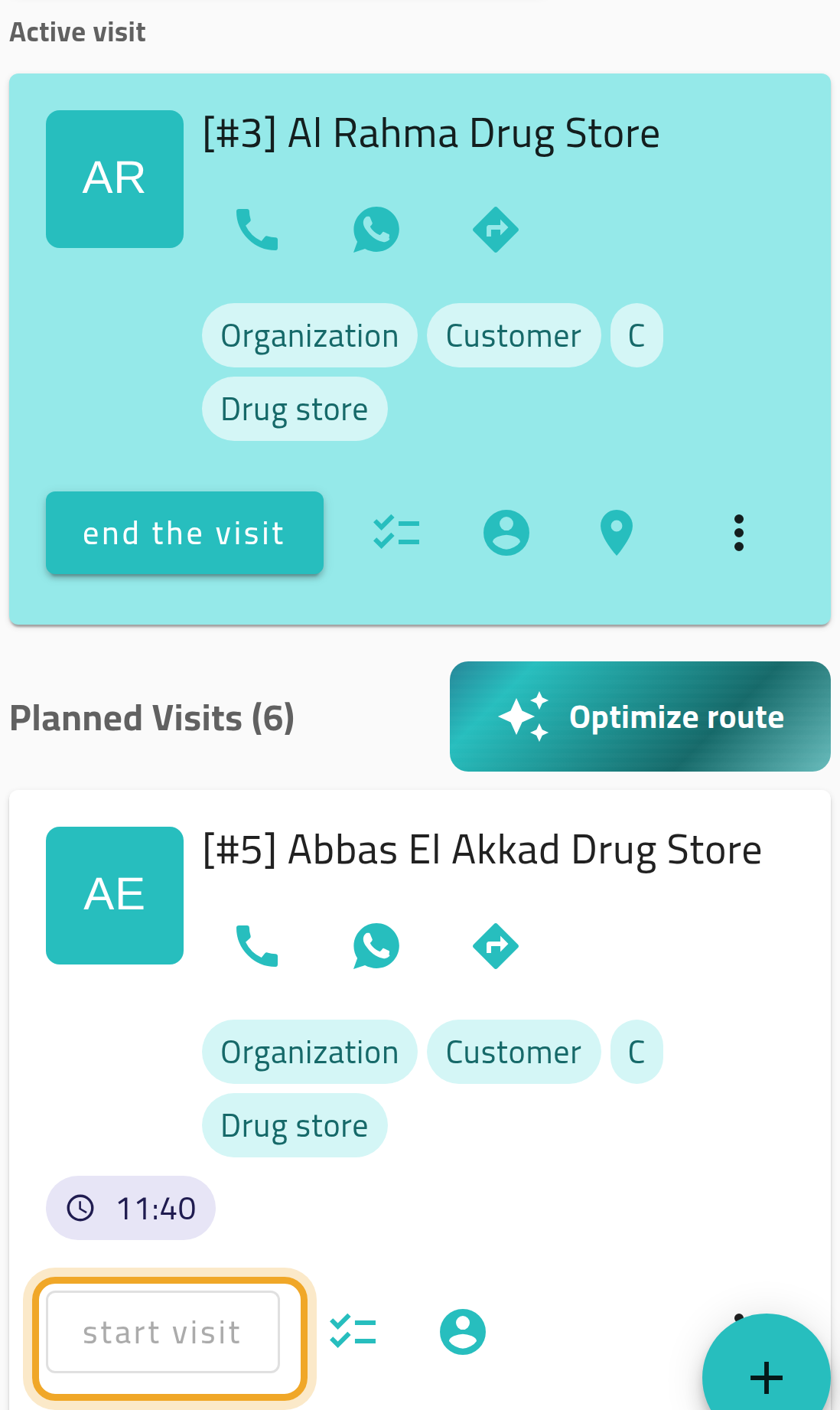
- You cannot start a planned visit while you already have another visit open. Finish that one first.
- From your agenda (or the planned visit itself), choose Start (for Check-in/Check-out templates) or Record (for Check-out Only templates).
- If the visit already has a template, it’s used automatically. If not, pick one.
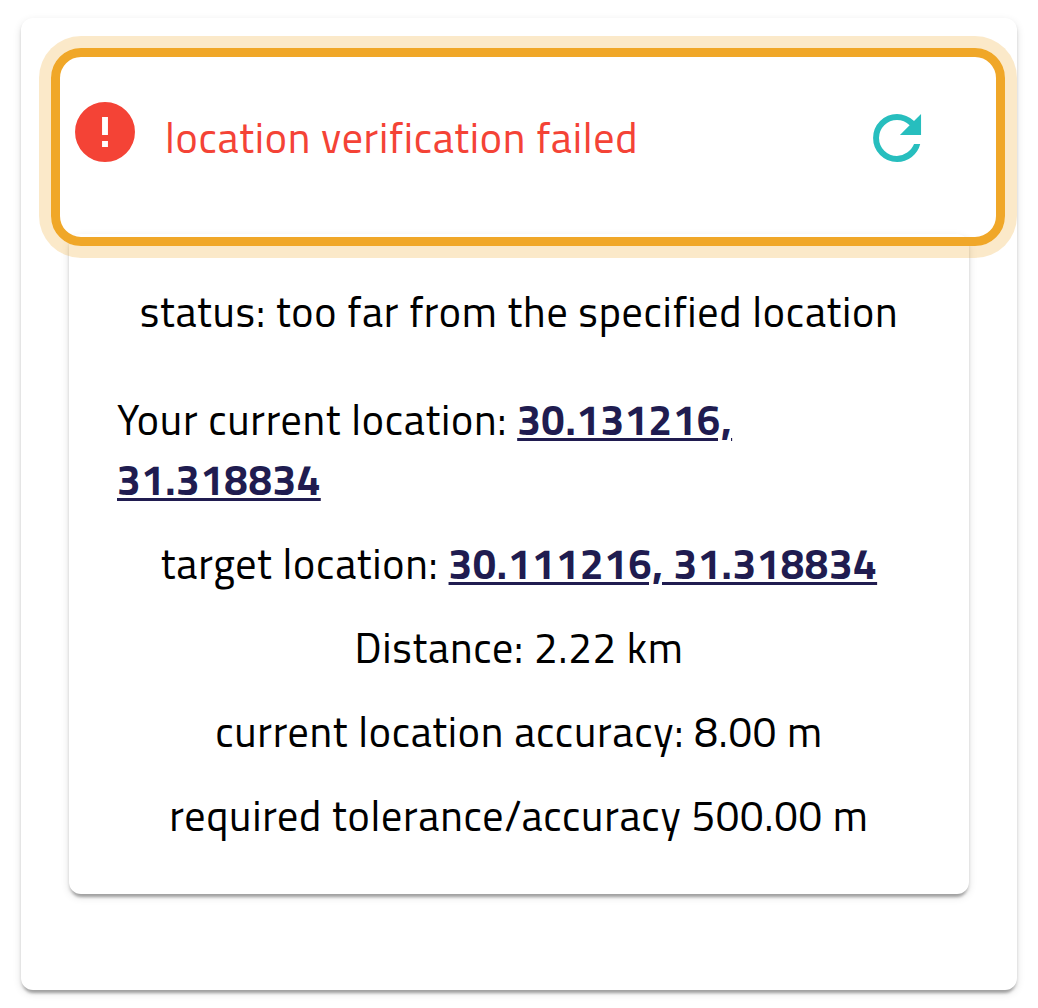
- Verify your location, if the template requires it. If verification fails, Record visit stays greyed out — move closer and refresh the check.
- Answer the start-of-visit questionnaire questions.
- Submit. This step works offline and syncs later if you have no connection.
What can go wrong
Section titled “What can go wrong”The Start/Record button is disabled
Section titled “The Start/Record button is disabled”You already have another visit open. Only one visit can be open at a time.
Location verification fails
Section titled “Location verification fails”Starting a visit has no option to skip a failed check: Record visit stays greyed out until the check passes. Move closer to the customer’s address and refresh the check. If the customer’s address has no map location, ask your administrator to add one.