

Hand in the cash you collected
Tracks the cash you are personally holding after collecting from customers, until you deposit it with the company or the bank, so there is a full audit trail of who holds what.
Before you start
Section titled “Before you start”- Your workspace must have the vaults feature turned on.
- You are normally assigned your own rep vault by your administrator — a personal cash vault that holds only your collections.
-
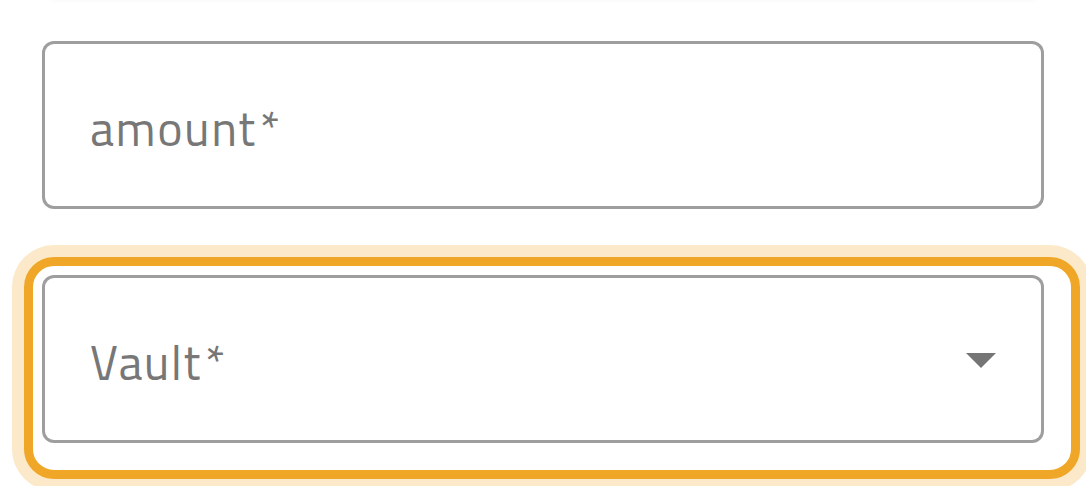
Every collection you record goes into the vault you pick on it — there is no separate step to move the money there. The Vault field is required; as a rep you normally see only your own vault in it.
-
To see what you are currently holding, open your vault and review the running list of collections debited into it.
-
When you hand your cash to the company or the bank, an accountant or admin records a vault transfer moving the amount out of your vault into the destination vault. You do not do this step yourself — see Where collected money goes.
What can go wrong
Section titled “What can go wrong”A collection cannot be saved without picking a vault
Section titled “A collection cannot be saved without picking a vault”With this feature on, every collection needs a vault before it can be created. If you do not see one to pick, ask your administrator — you may not be assigned to a vault yet.