

Use your receipt book
If your workspace hands out paper receipt books, every collection you record takes its number from your book, so the paper receipt you write out matches the electronic collection.
Before you start
Section titled “Before you start”- You need an active receipt book assigned to you by an administrator.
- You do not pick a book yourself — the app always uses your book for you.
- Start recording a collection as usual (see Take a collection during a visit).
- The create screen shows the next serial number from your active book, along with a link to the book, so you know which paper receipt to write.
- Write the paper receipt with that number and hand it to the customer.
- Save the collection as usual. The serial you used is recorded against your book automatically.
What can go wrong
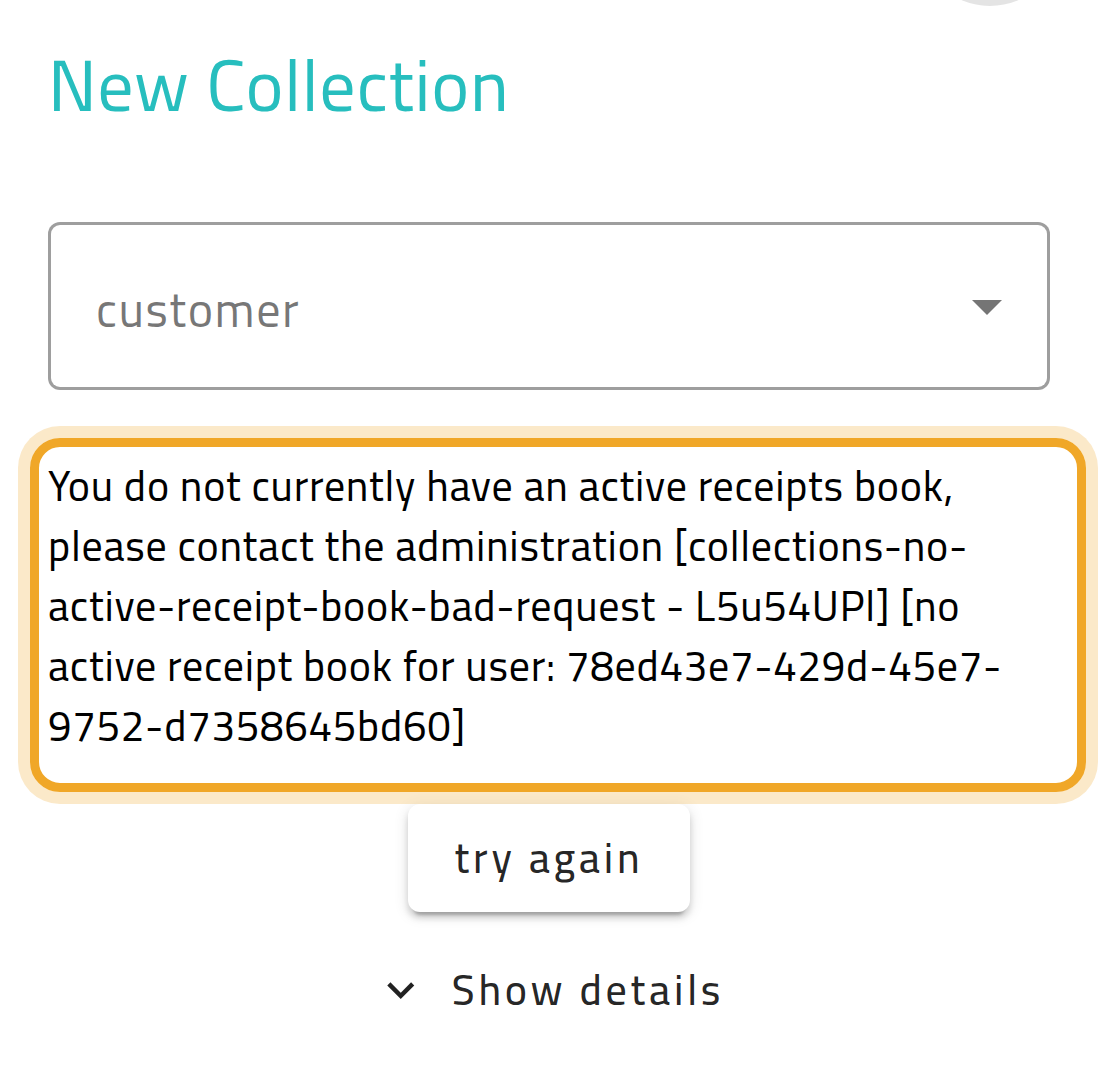
Section titled “What can go wrong”“You do not currently have an active receipts book, please contact the administration”
Section titled ““You do not currently have an active receipts book, please contact the administration””You have no active book assigned, or your book is full. Ask your administrator for a new or reactivated book — you cannot record a collection without one while this feature is on.
You mis-write a paper receipt
Section titled “You mis-write a paper receipt”Do not throw it away — void it in the system instead so the number is not reused, and hand the spoiled paper receipt to accounting. See Void a paper receipt.