
Record a collection
Record cash or a cheque collected from a customer directly from the back office, using the full collection form.
Before you start
Section titled “Before you start”- You need the
sales:collections/createpermission. - To earmark the collection against a sales order, you also need the
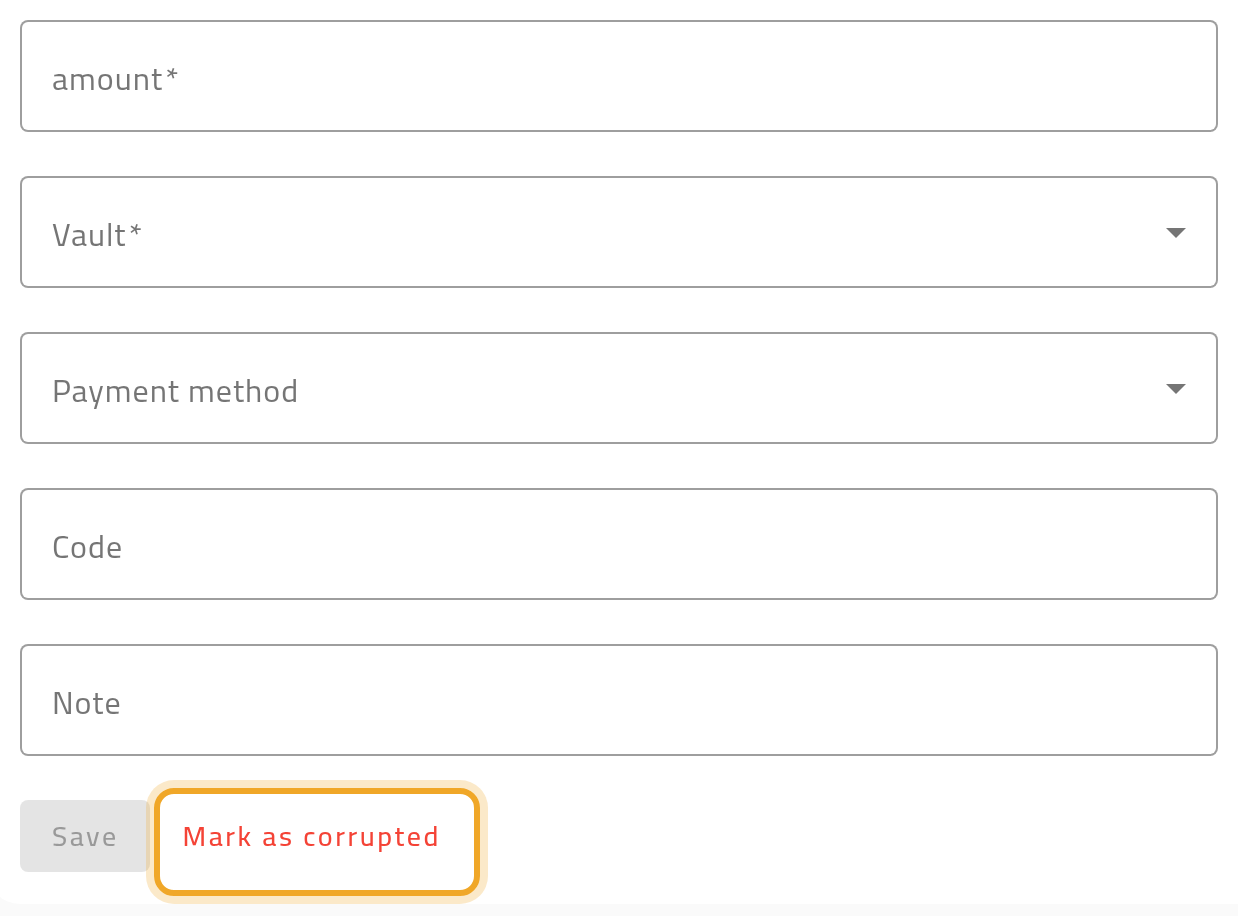
sales:collections:accounting/earmarkpermission, and your workspace must link collections to accounting automatically on create — otherwise the sales-order picker does not appear. - If your workspace uses receipt books, and you are registering a spoiled paper receipt rather than a real collection, you can mark it as corrupted directly from this form.
- Open Collections and choose New Collection.
- Pick the customer and the address the collection relates to.
- Enter the amount and method — cash or cheque. Cheque asks for the cheque number and due date.
- Once the customer is picked, you can earmark the collection to one of their sales orders. Pick a vault if your workspace uses vaults — it is required then — and optionally add a code or note.
- Choose Save. If your workspace links collections to accounting automatically on create, the customer’s balance and the vault update immediately.
What can go wrong
Section titled “What can go wrong”The customer balance does not update after saving
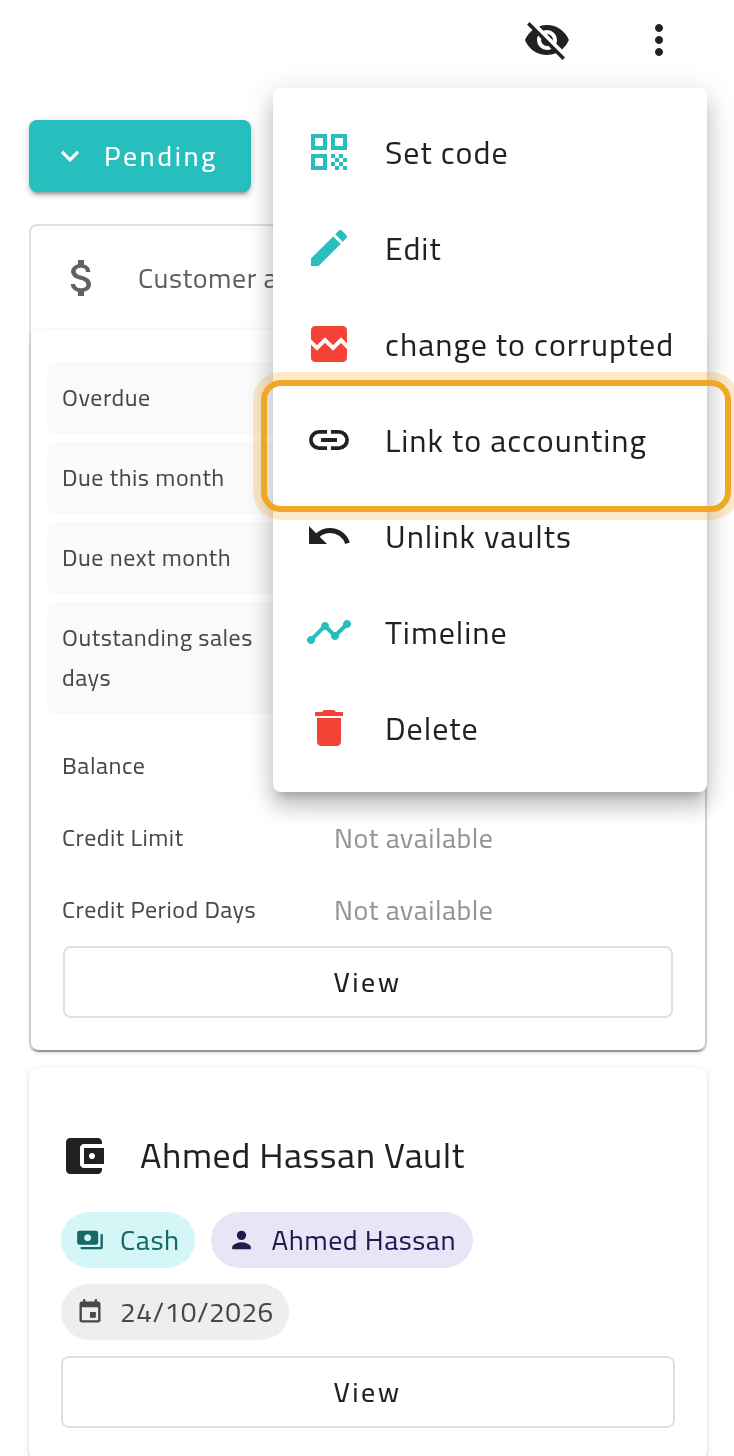
Section titled “The customer balance does not update after saving”Your workspace may require a separate step to link the collection to accounting — see Where collected money goes. Automatic linking on create is a workspace setting, not the default everywhere.
An earmarked collection will not post to the customer’s account
Section titled “An earmarked collection will not post to the customer’s account”The sales order you earmark must already be invoiced to the same customer. Until it is, posting the collection to the customer’s account is refused. Invoice the order first. If an earmarked order is later deleted, cancelled or split, the earmark is released and the money settles against the customer’s oldest open entries instead.
You need to log a spoiled paper receipt, not a real collection
Section titled “You need to log a spoiled paper receipt, not a real collection”Use the Mark as corrupted save path on this form instead of a normal save — see Void a paper receipt.