

Put today's visits in the best order
Reorders the customers planned for today into an efficient round trip starting from where you are now, so you drive less between them.
Before you start
Section titled “Before you start”- You must have planned visits for today. The option does not appear on other days.
- You must be online.
- Your workspace has a daily limit on how many times this can be run, and there may be a separate limit for each person.
-
Open your agenda and choose Optimize route.
-
A window shows your current location and your daily limit — how many times a day you can optimize, not how many you have left.
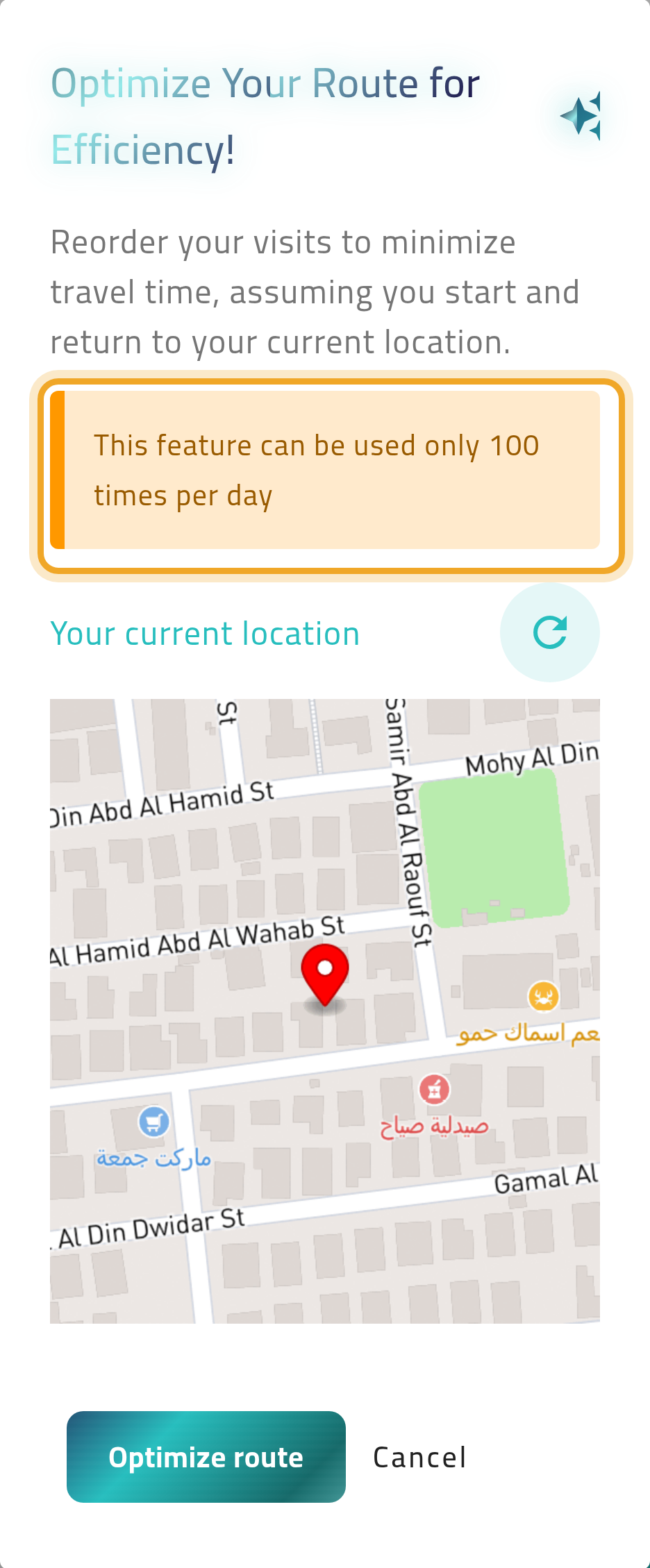
-
Confirm. Your planned visits are reordered and the agenda reloads in the new order.
What can go wrong
Section titled “What can go wrong”You have used up today’s optimizations
Section titled “You have used up today’s optimizations”A message tells you the limit is reached. The limit resets tomorrow.
Some customers end up at the bottom of the list
Section titled “Some customers end up at the bottom of the list”Customers whose address has no location on the map cannot be placed on a route, so they are moved to the end. Ask your administrator to add a location to those addresses.