

Give samples during a visit
Record product units you hand to the customer during a visit, drawn from a tracked samples warehouse.
Before you start
Section titled “Before you start”- You need the samples permissions for adding and viewing samples during a visit.
- Your workspace must have the samples feature enabled, which itself requires Inventory to be enabled.
- You can record only one samples entry per visit.
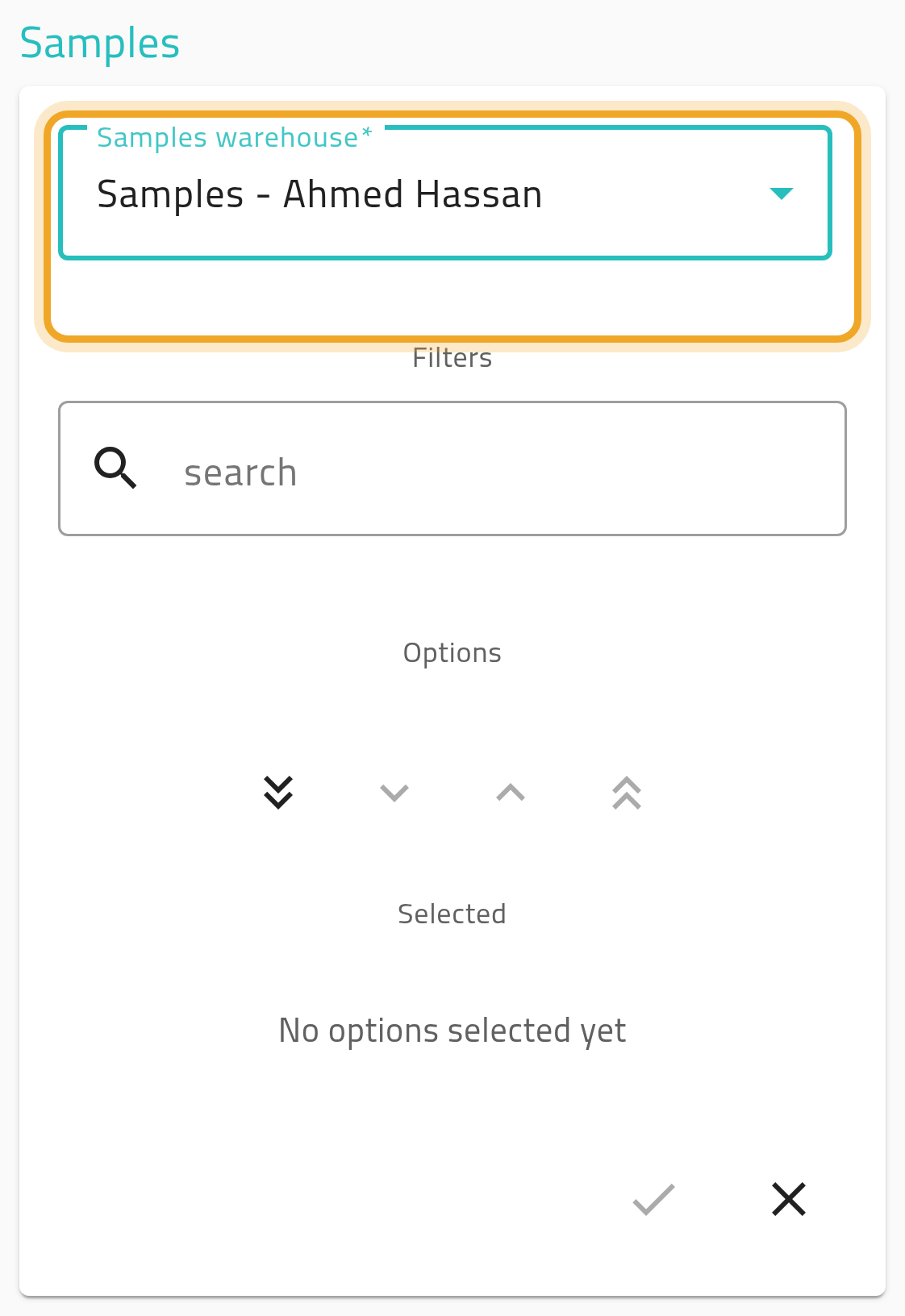
- From the visit view, open the Samples section.
- Pick a samples warehouse — only active warehouses set up for samples are offered.
- Pick the products and quantities from that warehouse’s available stock.
- Save. The stock is deducted from the warehouse against this visit.
What can go wrong
Section titled “What can go wrong”No products show up to add
Section titled “No products show up to add”The warehouse you picked may have no available stock for any product. Try a different samples warehouse, or ask your administrator to check stock levels.
You need to undo a samples entry
Section titled “You need to undo a samples entry”You can’t remove or change it yourself — only an administrator can revert a samples entry once it’s saved.